
Changing Your Email Address
You can update the email address associated with your We Are Distributed account at any time from your account settings. When you change your email, we'll send a confirmation to your old address for security.
You'll need your current password to change your email address. If you don't have a password set, use the "Don't have a password?" link to create one first.
How to change your email
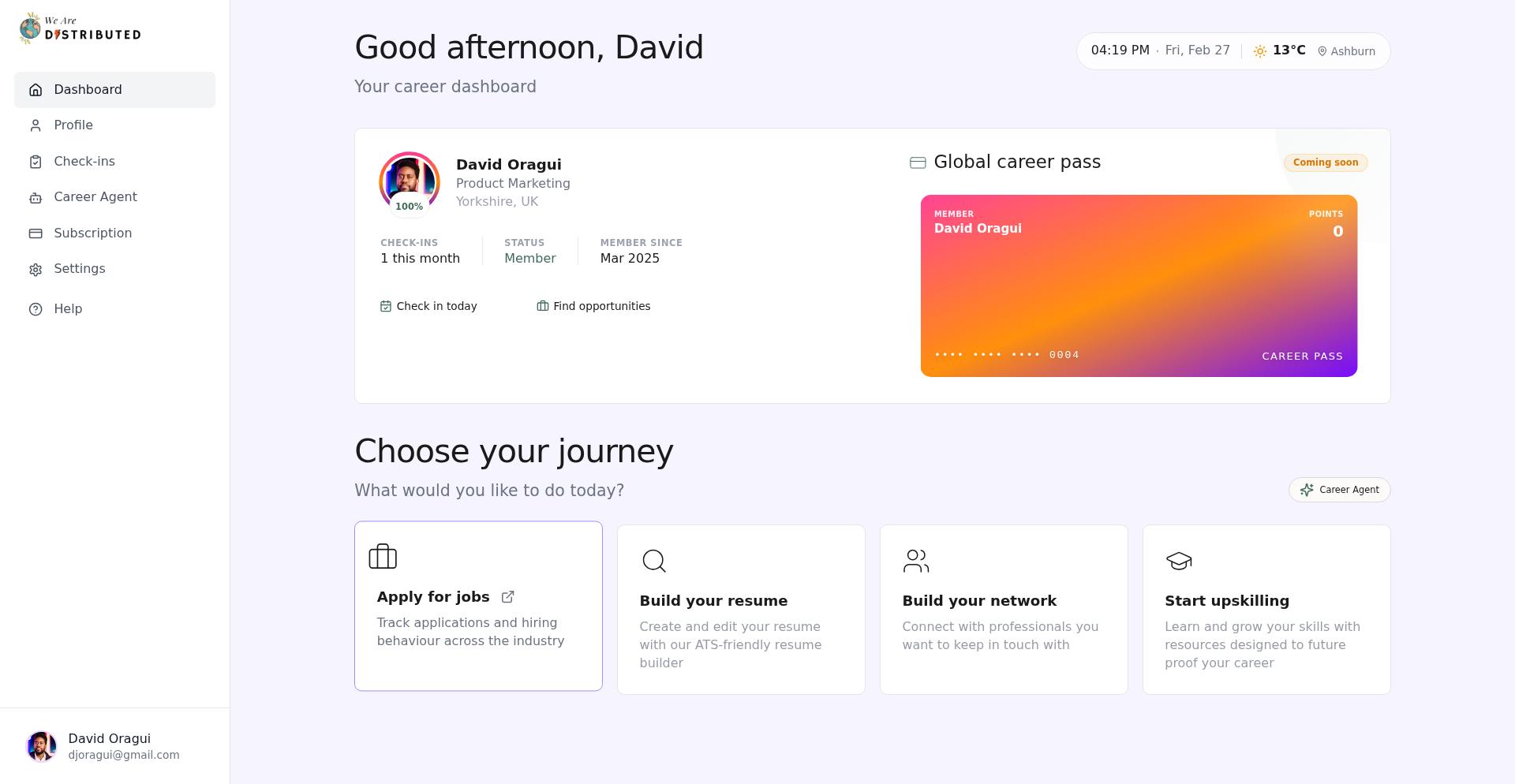
Navigate to your Settings page from the dashboard sidebar.
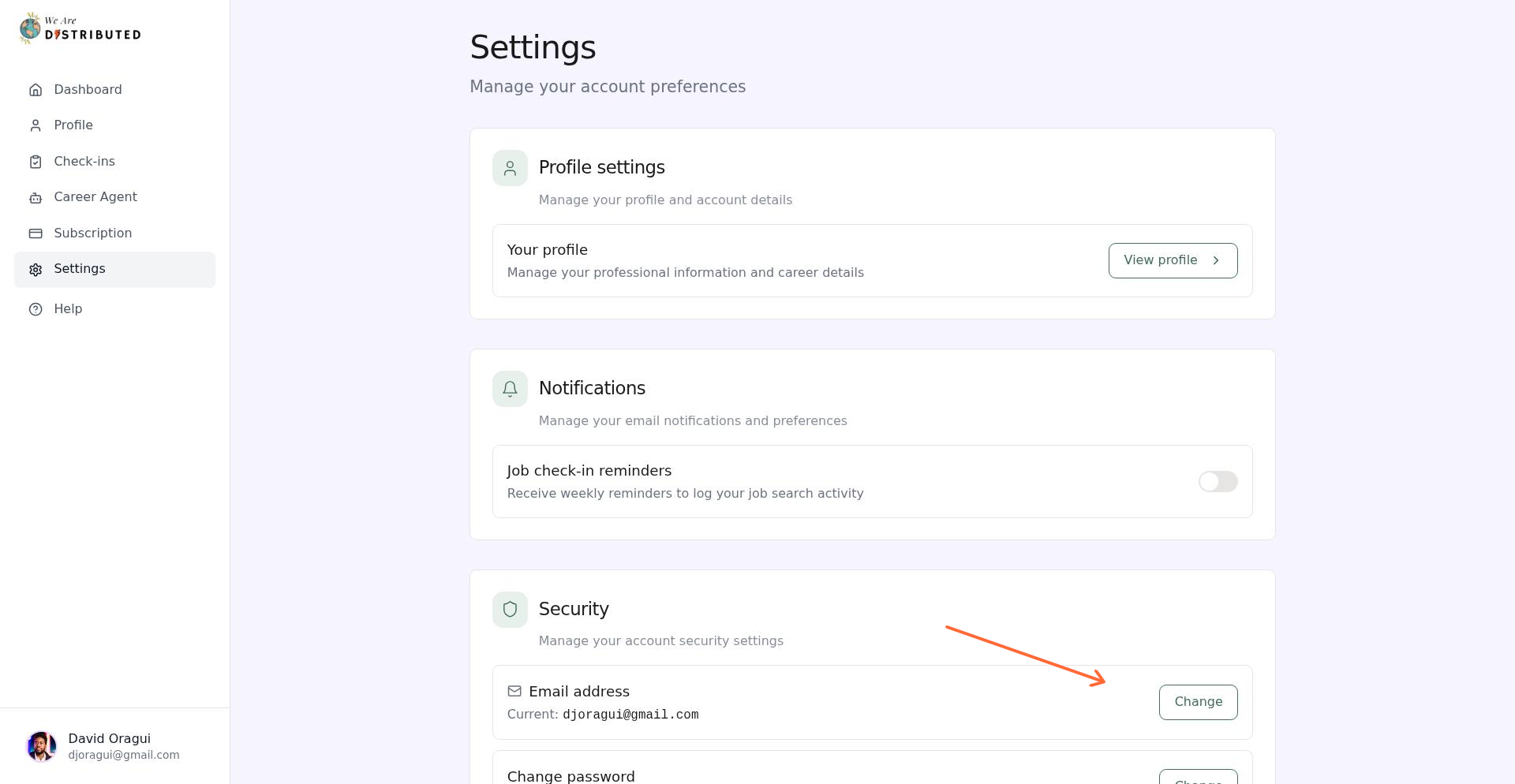
In the Security section, click Change next to your current email address.
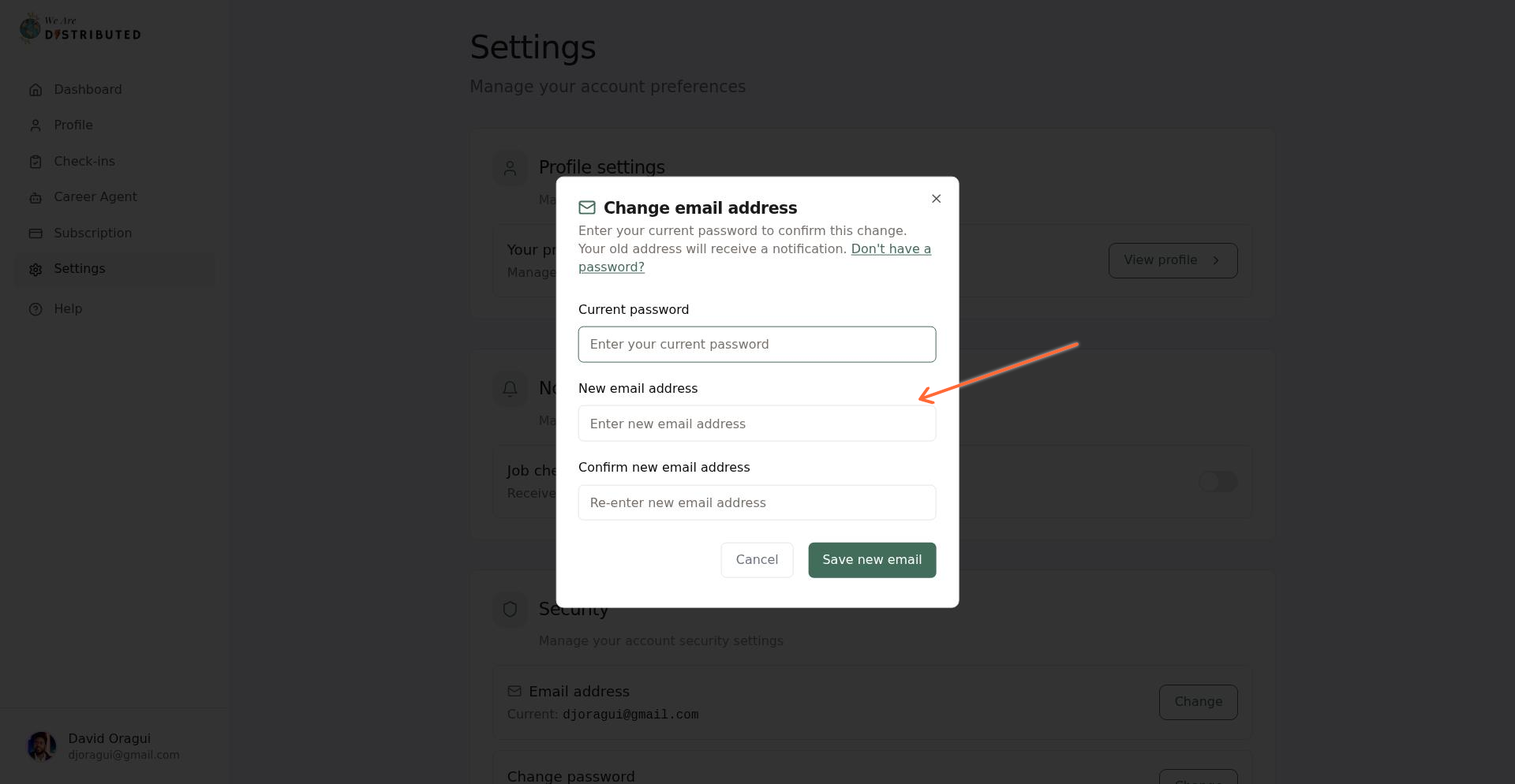
In the modal, enter:
Your current password
Your new email address
Confirm your new email address
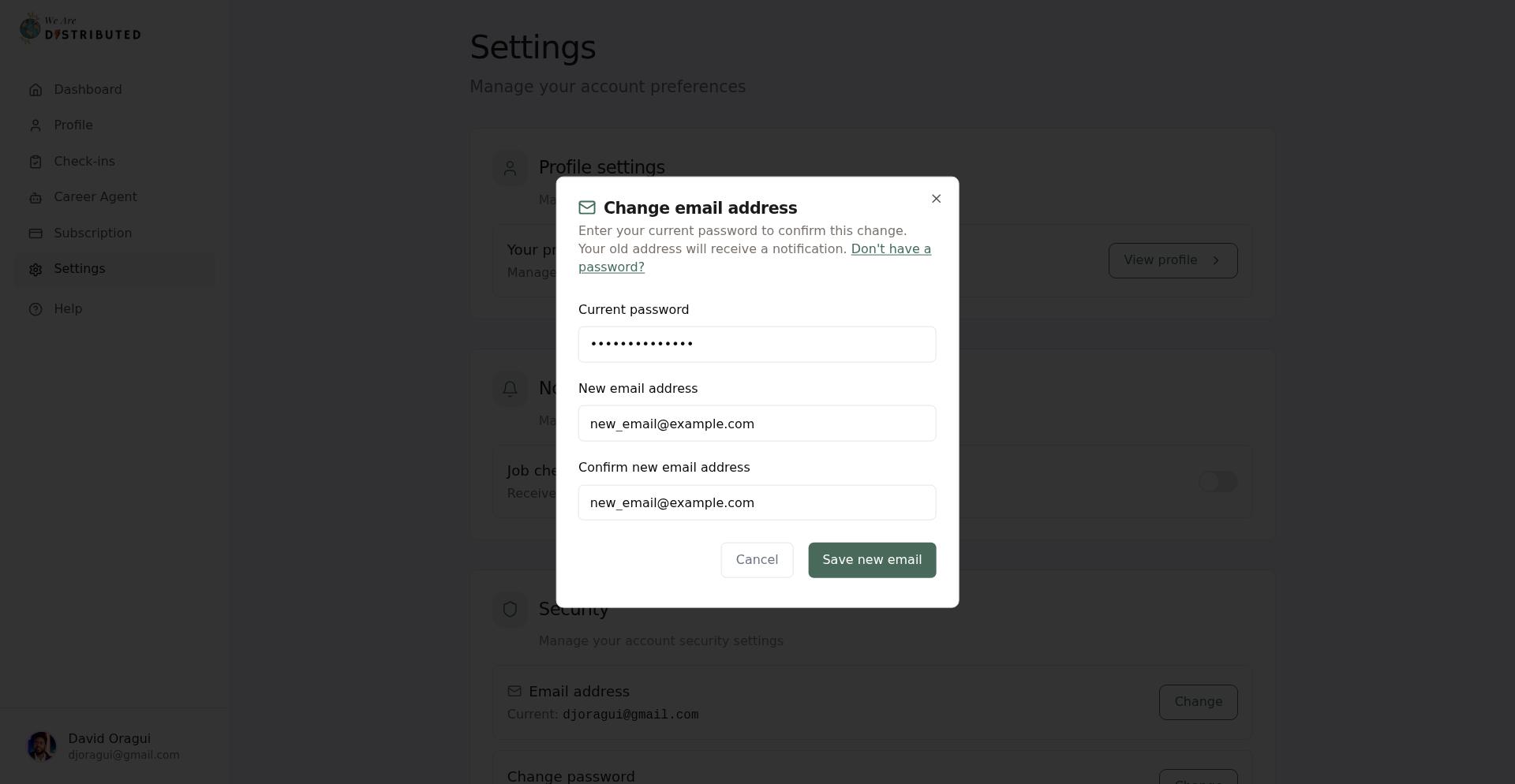
Click Save new email. You'll see a confirmation message when the change is complete.
What happens when you change your email
Your account, profile, subscriptions, and data remain unchanged
The system will attempt to send a confirmation email to your old address
You'll use your new email to sign in going forward
Your authentication session will refresh automatically
Your new email must not already be associated with another We Are Distributed account.
Common issues
Incorrect password error: Verify you're entering your current password correctly. Use "Forgot password?" if you need to reset it.
Email already in use: The email address you're trying to use is linked to another account. Use a different email or contact support if you believe this is an error.
Email addresses don't match: Make sure your new email and confirmation email are identical.