
May 2026 Updates
May introduced a browser extension for tracking jobs, new admin tools for coaching check-ins, clearer insights into the job search pipeline, and more reliable visual cues when browsing roles.
May 31
Chrome extension links added in app — The app now makes it easier to find the Chrome extension from inside the job tracker and the sidebar. Members can jump to the extension from more places without hunting for the download page.
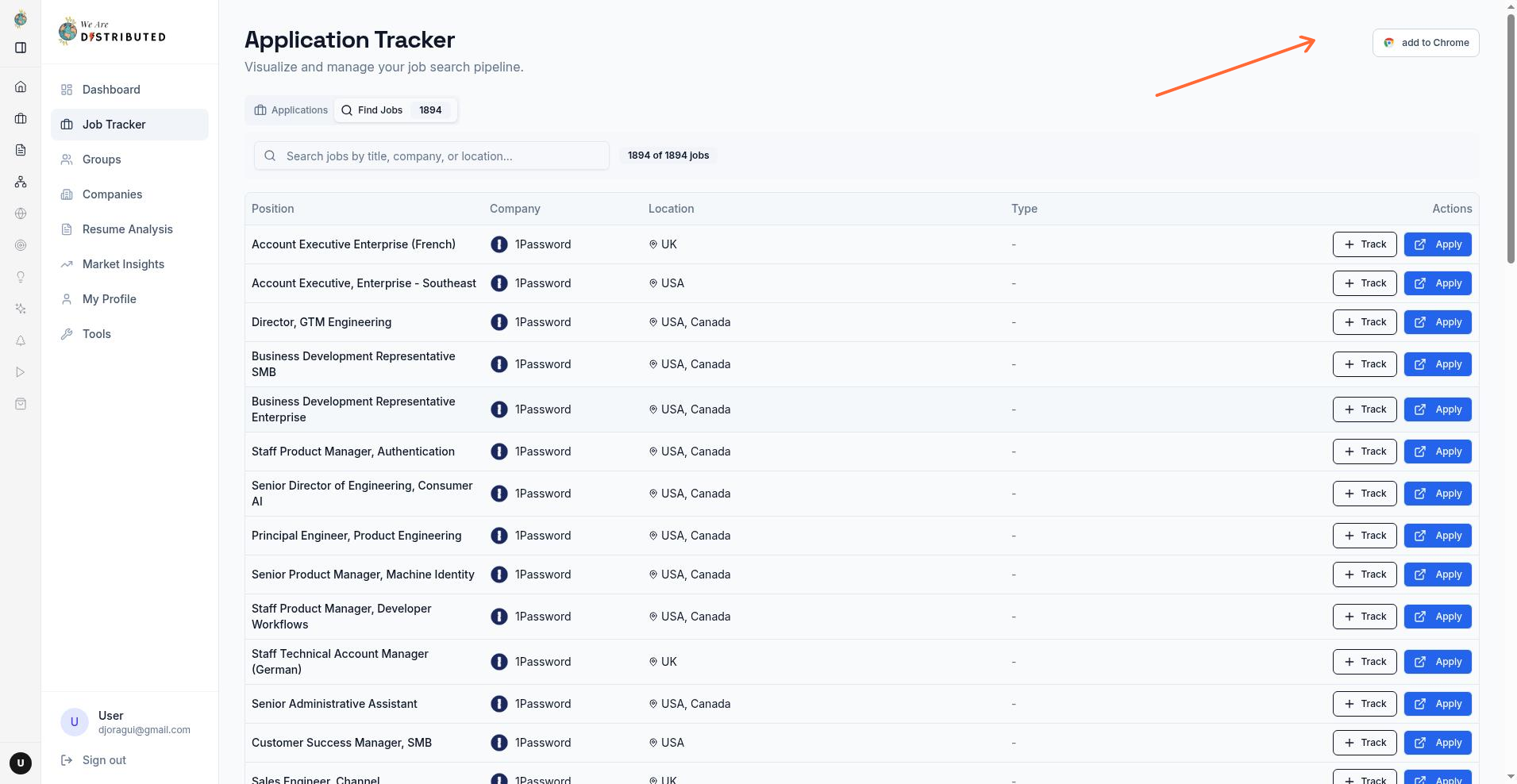
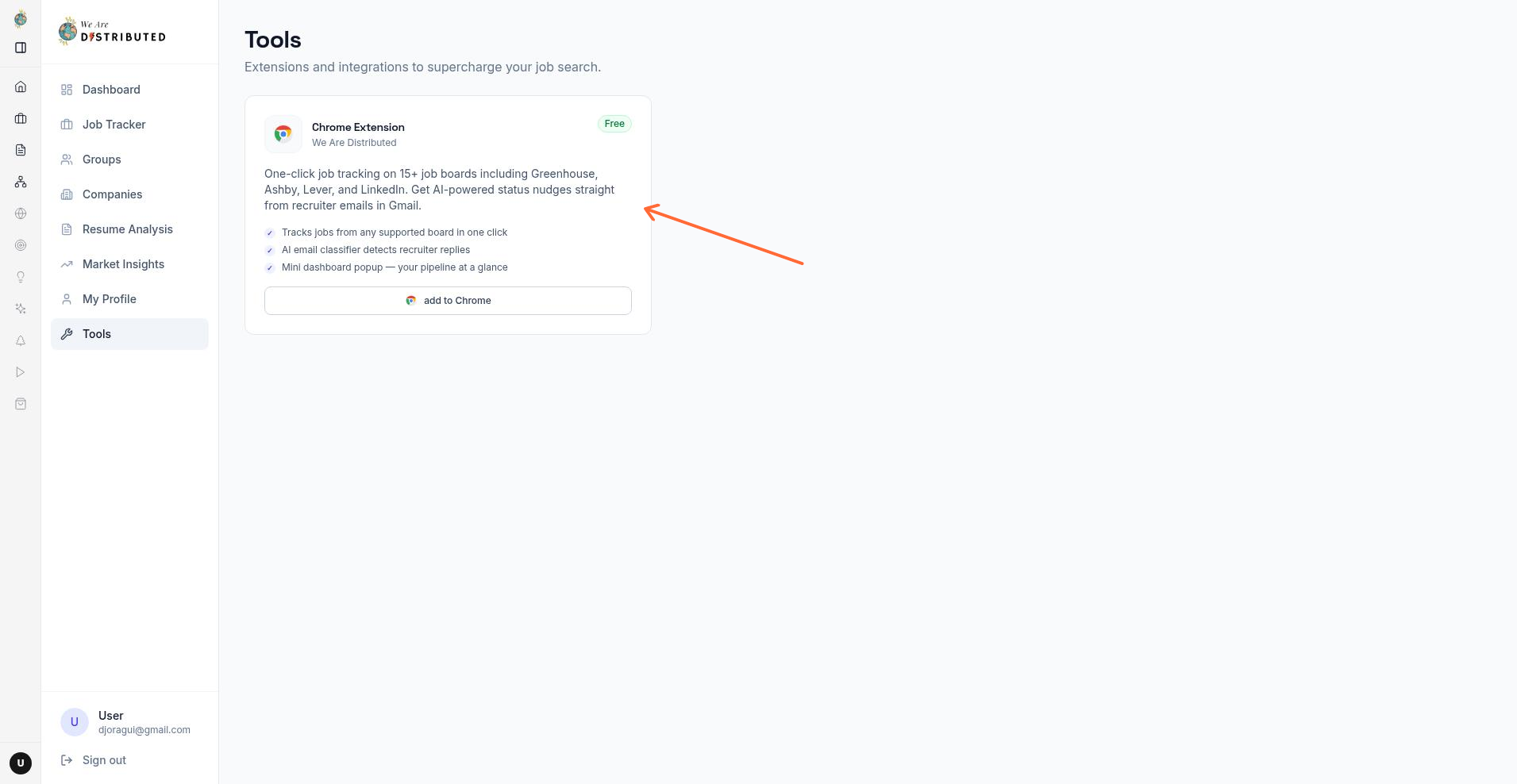
Chrome extension added to onboarding — New members now see the Chrome extension as part of the welcome checklist. Clicking the item takes them to the extension download page and marks it as complete, making it easier to get set up from day one.
May 15
Admin responses on check-ins — Admins can now reply directly to job check-ins from the admin area, and members will see those replies in their check-in history. Eligible admins also have a clearer Admin entry in the main sidebar and can reach the management area from a direct admin route. For more detail, see Job Search Check-ins.
May 14
Browser job tracking extension with clearer preview and setup — Members can now track jobs directly from supported job boards without leaving their browser, and the extension watches Gmail for recruiter emails to surface prompts when a message looks like a screening, interview, offer, or rejection update. We also improved the extension preview and setup flow with fresh screenshots, clearer branding, and a preview that matches the live popup more closely.
May 7
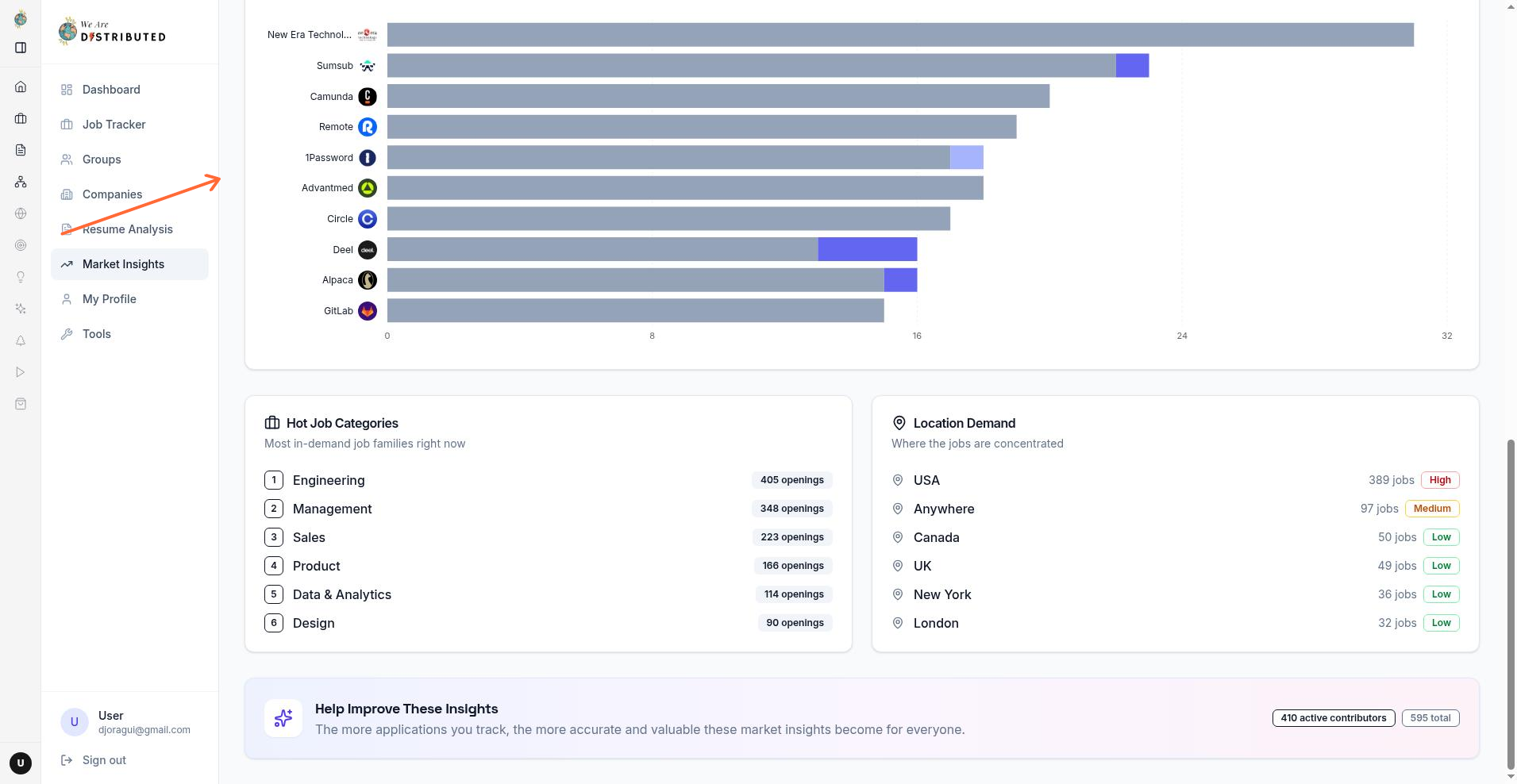
More accurate employer insights — The insights page now counts employer activity more accurately, so saved jobs and hiring responses are less likely to distort the results. It also adds a new Most Competitive Employers view that highlights which employers are drawing the most applications, making it easier to spot crowded opportunities and understand how applications are moving through the pipeline. For more detail, see Get started with your career dashboard.
May 6
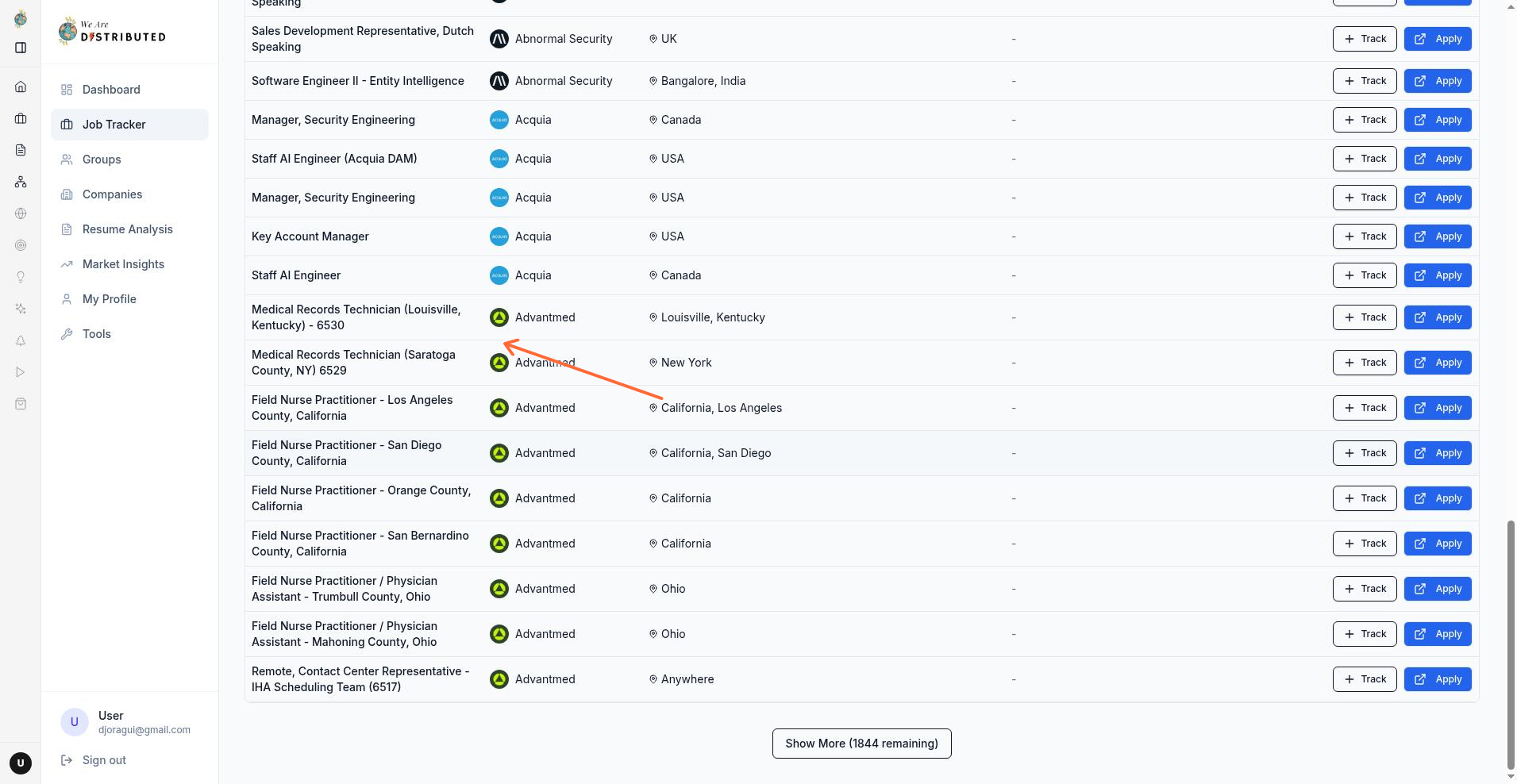
Employer logos now appear more often — The Find Jobs view now shows employer logos more reliably, even when a company's website was previously missing from the job data. If a logo is available, it should now show up more consistently beside the employer name.
Improvements & Fixes
File uploads now require a signed-in account, and downloaded files are checked more carefully before they can be opened. Certain file types that could be risky in a browser are now downloaded instead of shown directly, making shared files safer to access.