
Career Pass: Points, Achievements & Customization
Your Career Pass is a loyalty system that rewards you with points for completing career activities. Track your achievements, view your points balance, and customize your member card from the Achievements page.
Career Pass requires an active subscription. Without one, the Achievements page shows a prompt to subscribe and your points and unlocked achievements display as zero.
Viewing Your Career Pass
Open the Achievements page from your dashboard sidebar, then select the Career Pass tab. The page opens at /achievements and the Career Pass tab sits at /achievements?tab=career-pass.
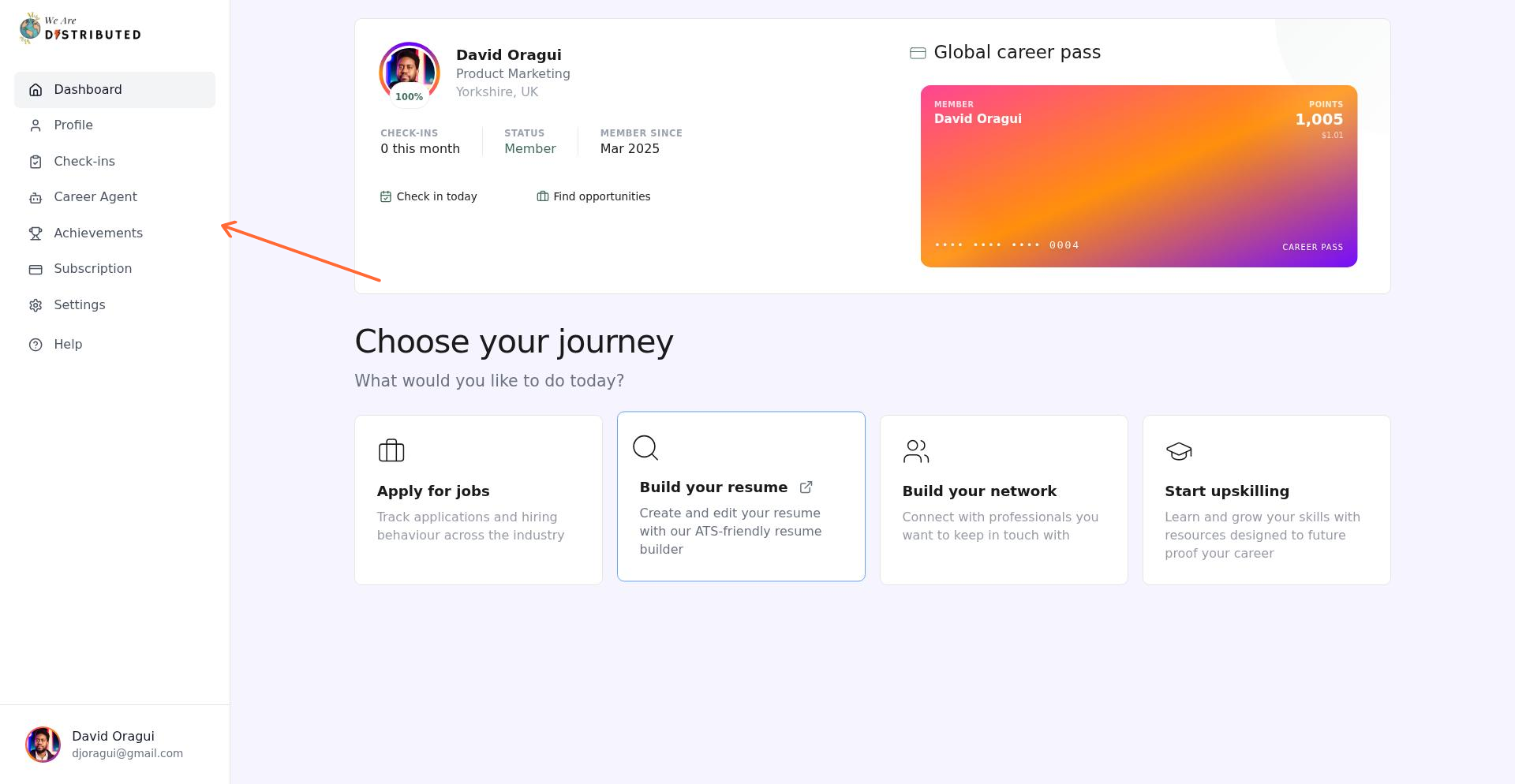
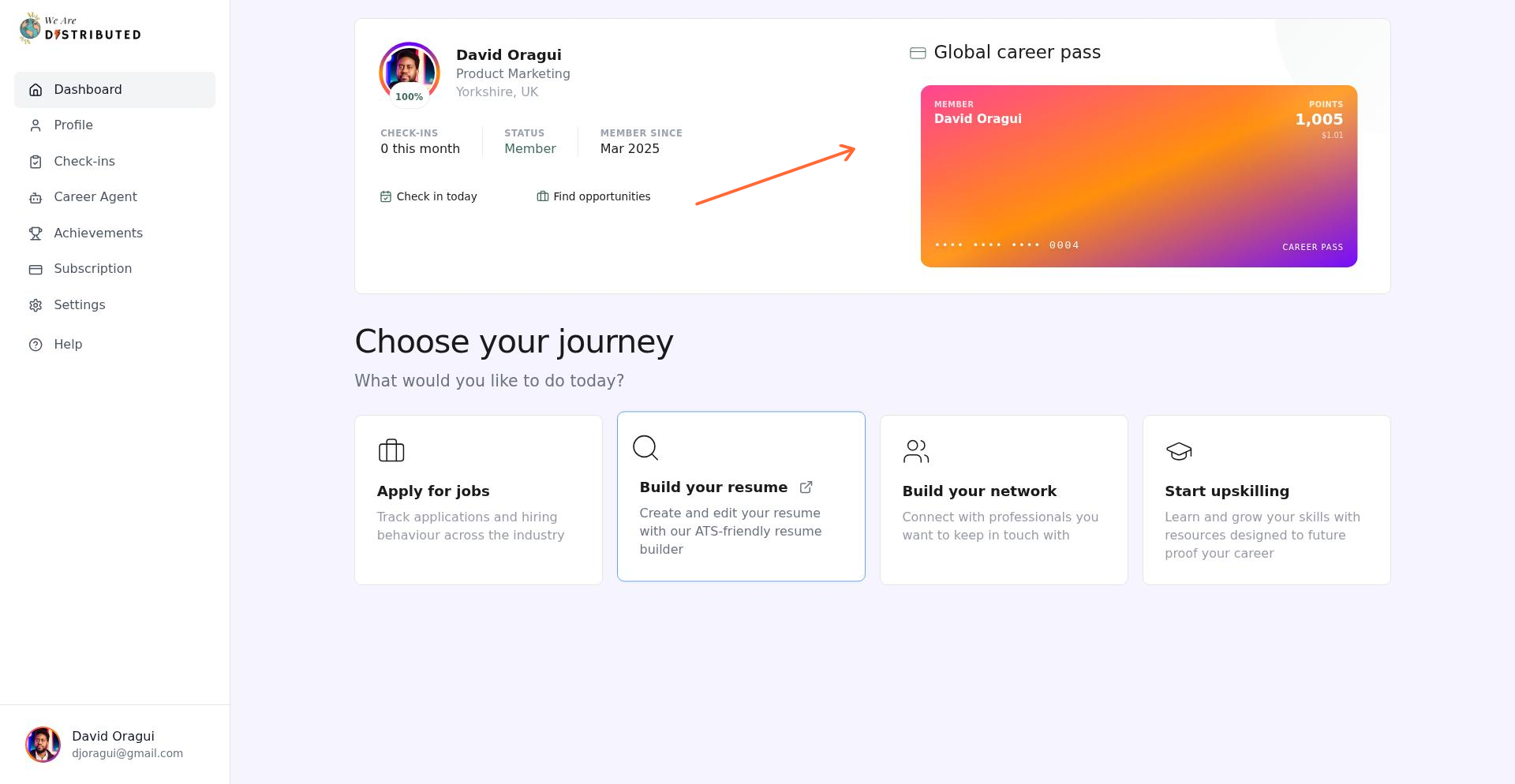
Your home dashboard also shows a Global career pass card that links directly to the Career Pass tab.
How to Earn Points
Points are awarded automatically when you complete activities across four categories: Profile, Check-ins, Subscription, and Career Agent. Workflow achievements appear under Career Agent.
Profile
Picture Perfect: Add a profile photo (50 pts)
Tell Your Story: Write a bio on your profile (25 pts)
Full Picture: Complete your profile with name, bio, title, location, photo, and skills (100 pts)
Check-ins
Each new Job Search or Employment check-in earns 25 base points.
First Steps: Complete your first career check-in (50 pts)
On a Roll: Complete 5 career check-ins (100 pts)
Committed: Complete 25 career check-ins (250 pts)
Career Veteran: Complete 50 career check-ins (500 pts)
Your first check-in earns 75 points in total: 25 base points plus the 50-point First Steps achievement. Check-in milestones count both Job Search and Employment check-ins together.
Career Agent
Each Career Agent conversation earns 10 points.
Hello, Agent: Send your first message (50 pts)
Regular Learner: Have 10 conversations (150 pts)
Power User: Have 50 conversations (300 pts)
Workflows (listed under Career Agent)
Automated: Set up your first career workflow (100 pts)
System Builder: Set up 3 career workflows (200 pts)
Subscription
Career Investor: Upgrade to a paid subscription (500 pts)
Invested: Maintain a paid subscription for 3 months (300 pts)
Dedicated: Maintain a paid subscription for 6 months (500 pts)
Career Champion: Maintain a paid subscription for 12 months (1,000 pts)
Related: Employment Check-ins | Job Search Check-ins | Using Career Agent
Tracking Achievements
The Achievements tab shows all available achievements organized by category. Use the filter pills to browse by category or view all at once.
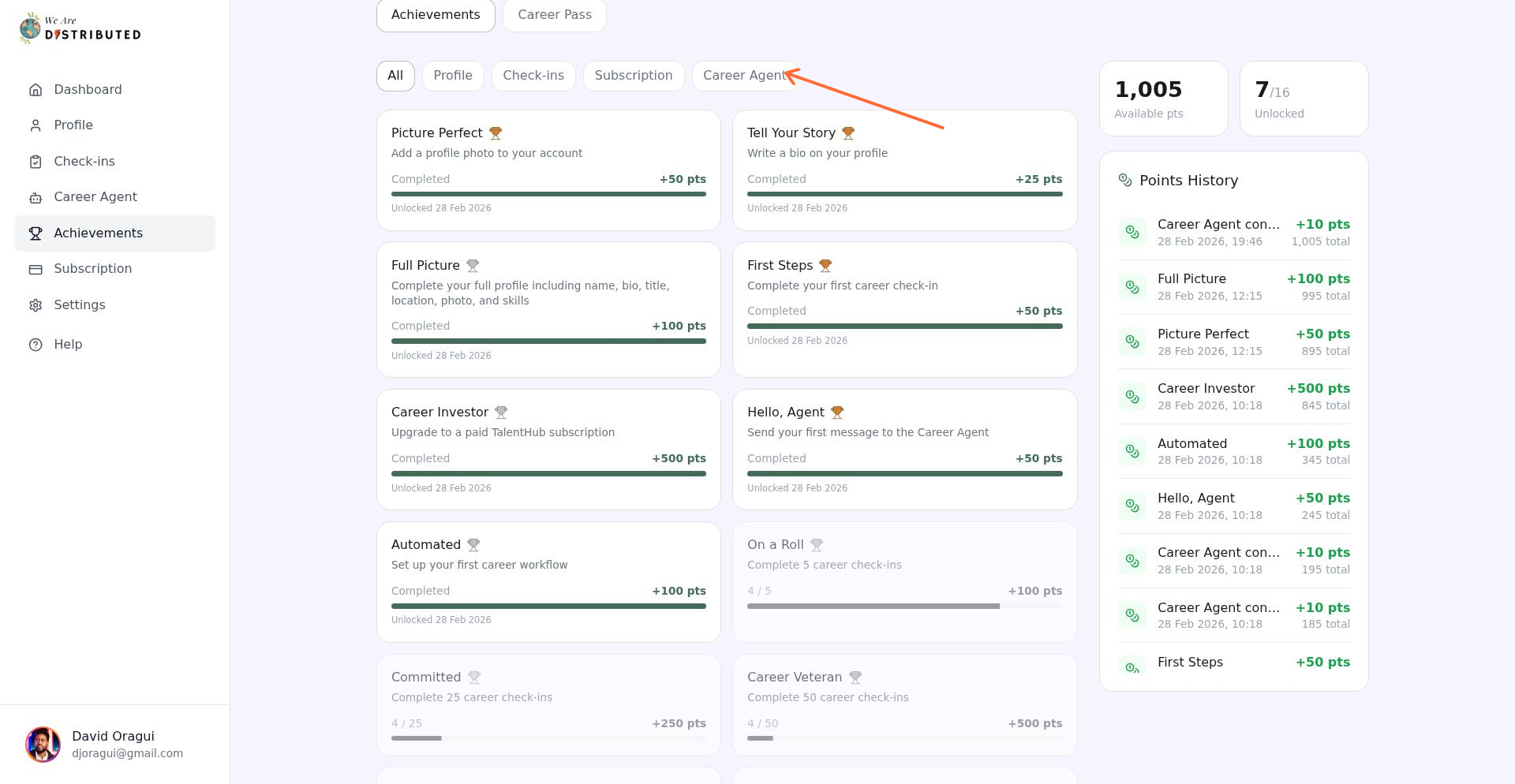
The filters are All, Profile, Check-ins, Subscription, and Career Agent. There is no separate Workflows filter; workflow achievements appear under Career Agent.
Each achievement card displays:
Achievement title and description
Progress indicator (e.g., "3/5" for multi-step achievements)
Points value (e.g., "+50 pts")
Unlock status and date

Understanding Your Points Balance
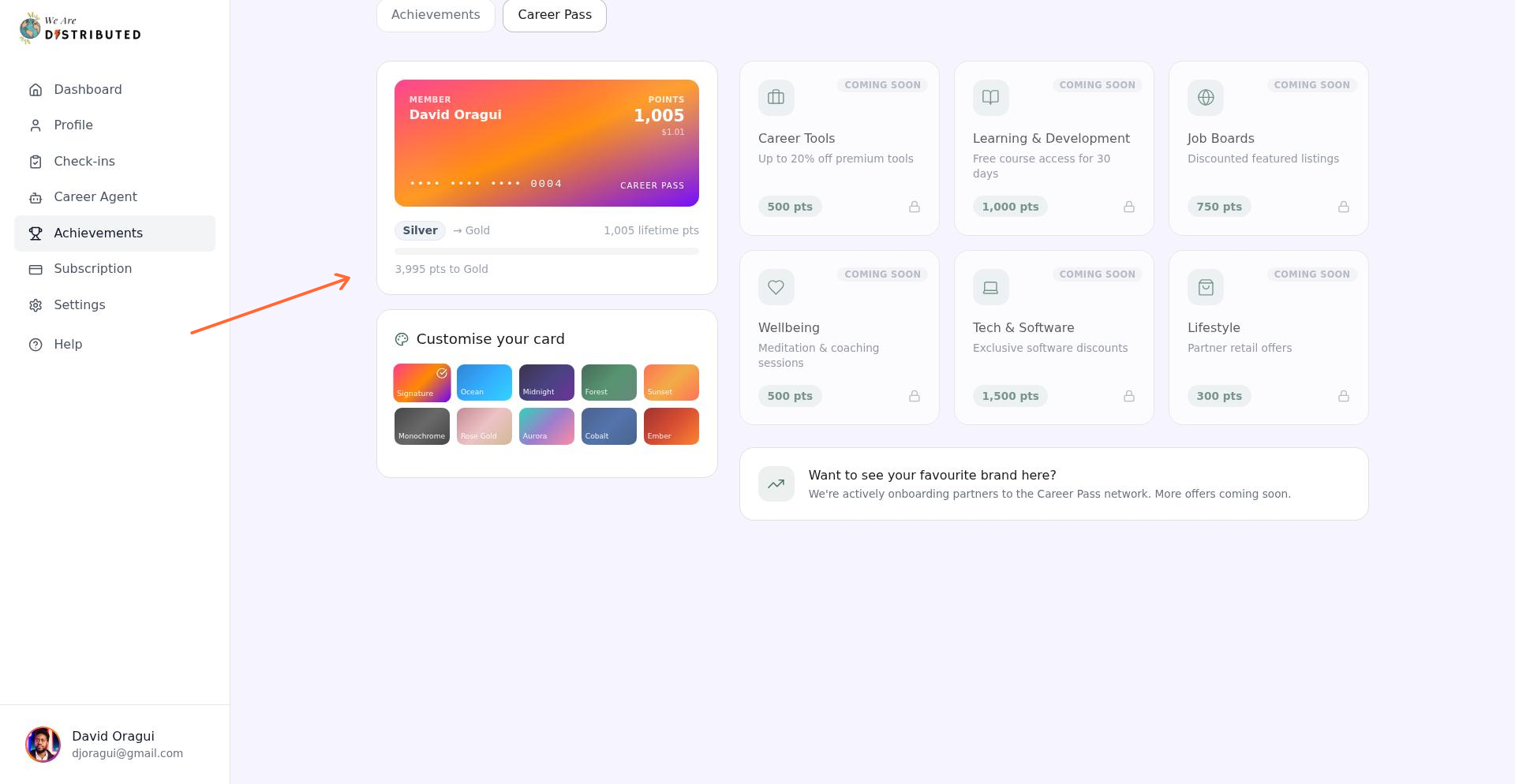
Your Career Pass card displays your total points and their dollar equivalent (1,000 points = $1.00).
The points transaction history on the Career Pass tab shows every point-earning activity with a timestamp, description, amount earned, and running balance.
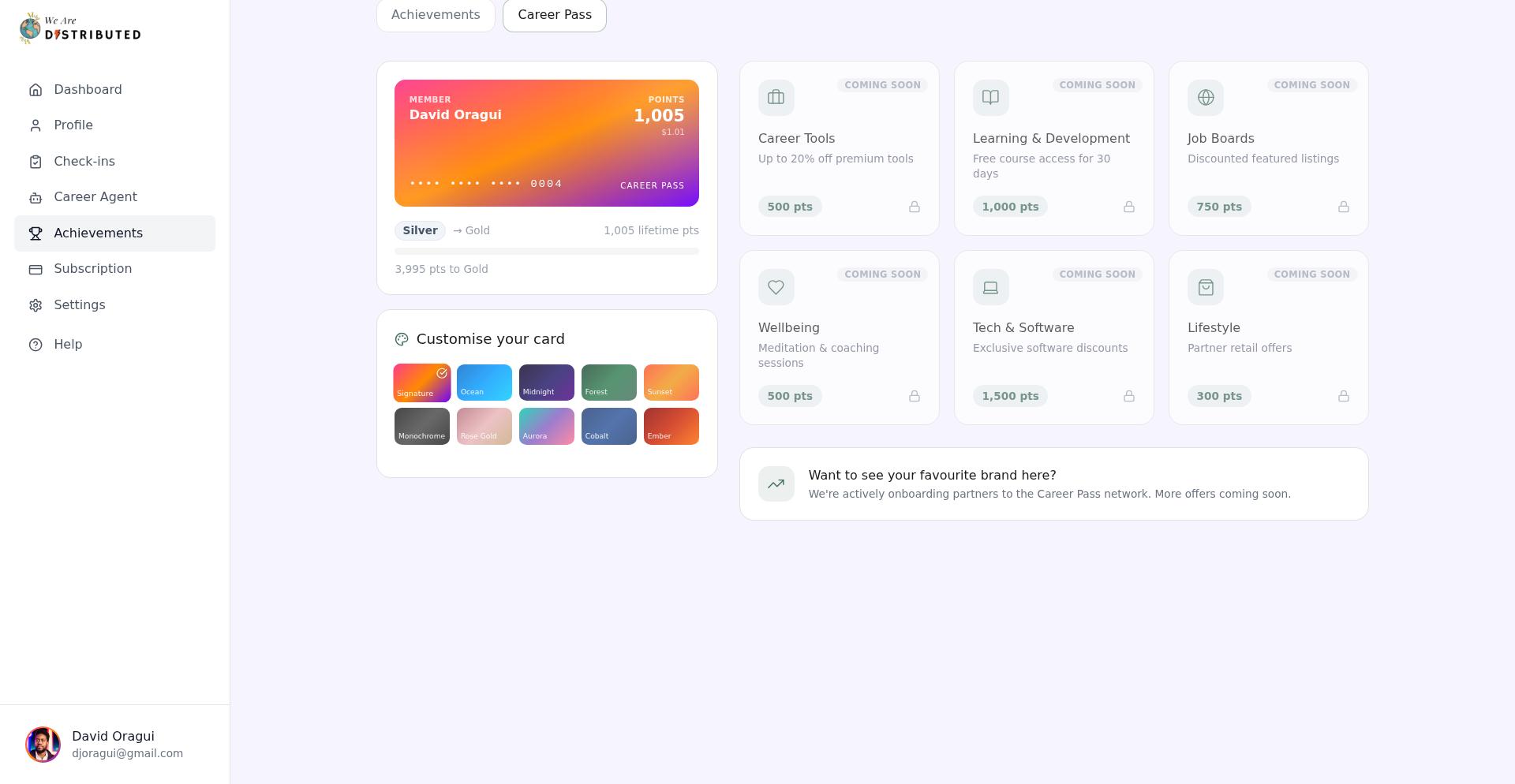
Your tier level is set by your lifetime points, not your current spendable balance:
Bronze: 0–999 points
Silver: 1,000–4,999 points
Gold: 5,000–19,999 points
Platinum: 20,000 points or more
Rewards and Partner Offers
Career Pass displays partner offers that are not redeemable yet. All current offer tiles are locked and marked Coming soon, with no redeem action available.
The offers cover career tools, learning and development, job boards, wellbeing, tech and software, and lifestyle categories. We're actively onboarding partners to the Career Pass network, with more offers coming soon.
Customizing Your Card
Personalize your Career Pass card with different color themes. On the Career Pass tab, scroll to the "Customise your card" section.
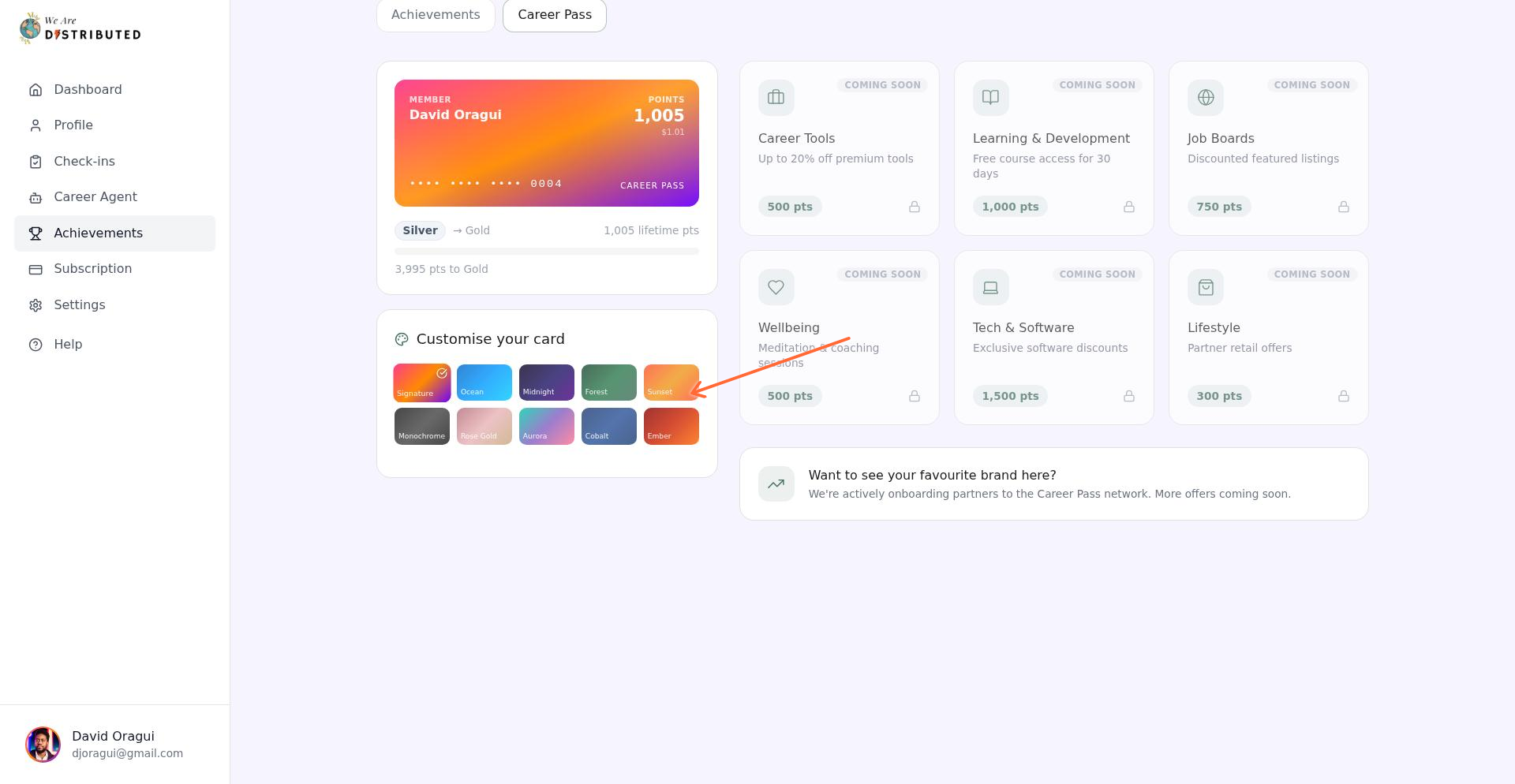
Choose from 10 gradient themes (Signature, Ocean, Midnight, Forest, Sunset, Monochrome, Rose Gold, Aurora, Cobalt, Ember). Click a swatch to select it, then click Save theme.