
How to track job applications
You can also track jobs directly from supported job boards using the browser extension.
Track jobs recommended by the Career Agent and manage all your applications in one place. The system automatically syncs your tracked jobs and updates in real-time.
Track a job from Career Agent
When the Career Agent recommends jobs, you can save them to your tracker with one click:
Open Career Agent from the dashboard sidebar
Ask for job recommendations or browse suggested roles
Click Track on any job card you want to save
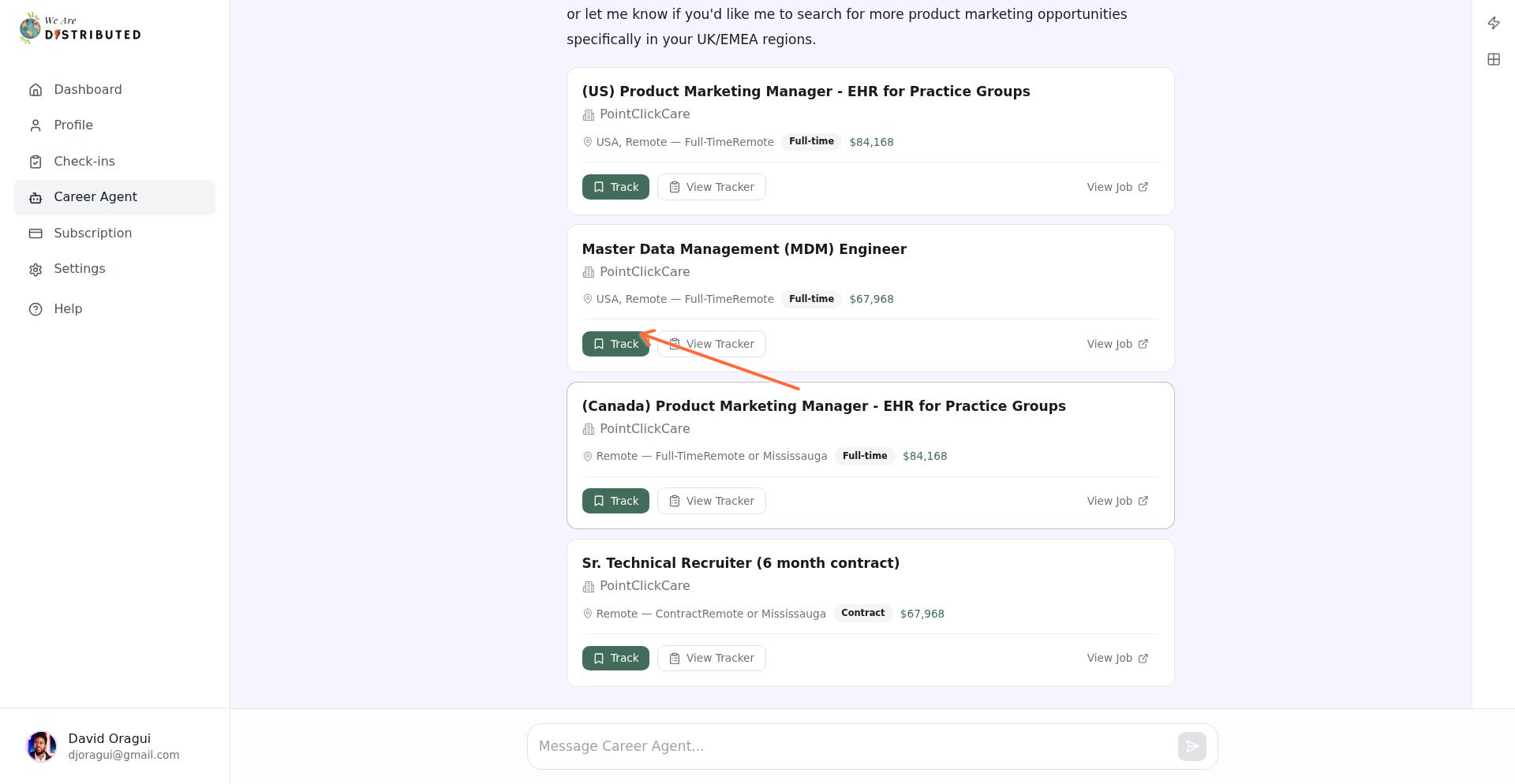
The system confirms with a message like "Saved [Job Title] at [Company] to your job tracker. Status: pending."
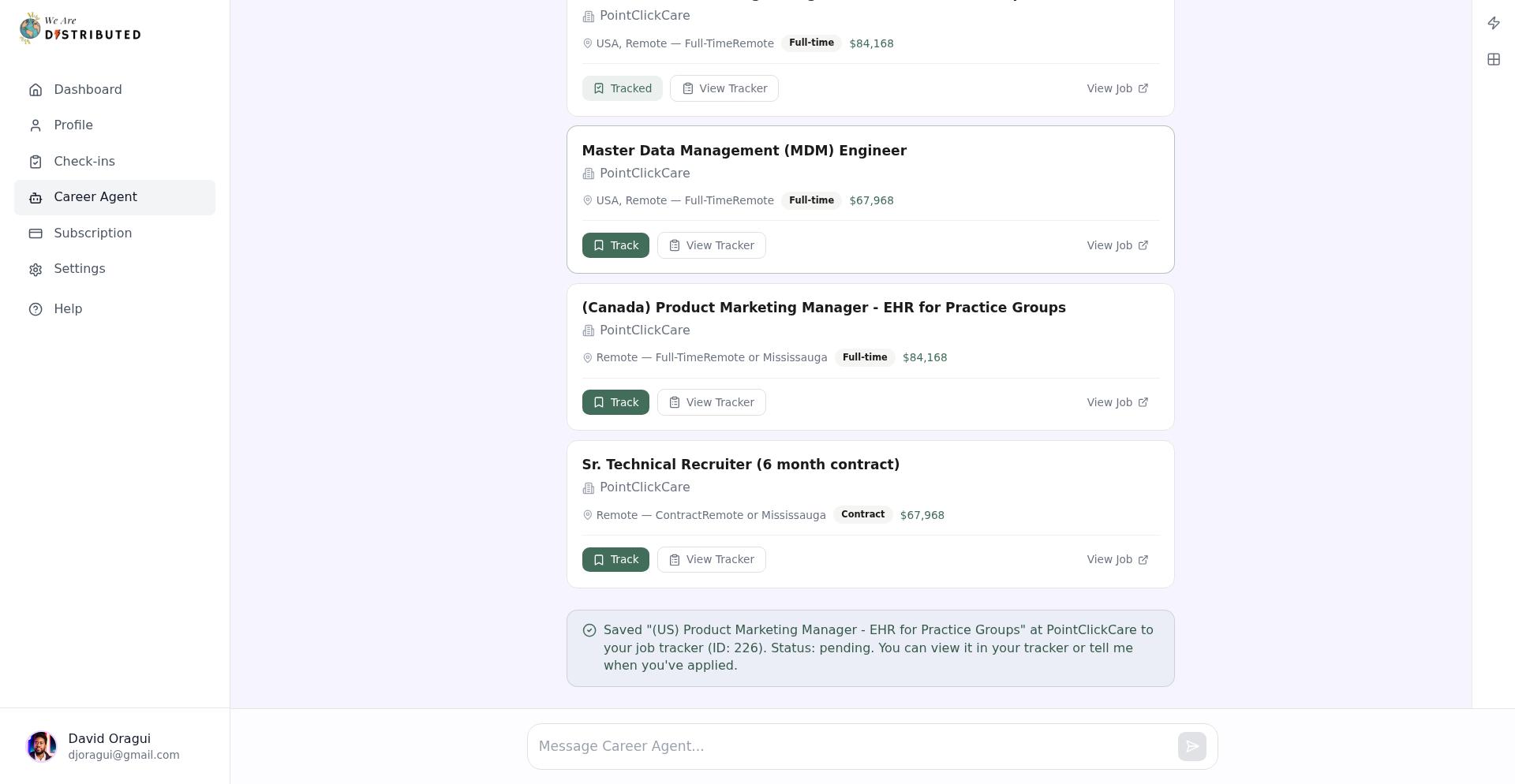
View your job tracker dashboard
Access your full tracker by clicking View Tracker on any tracked job card, or navigate directly from the main dashboard.
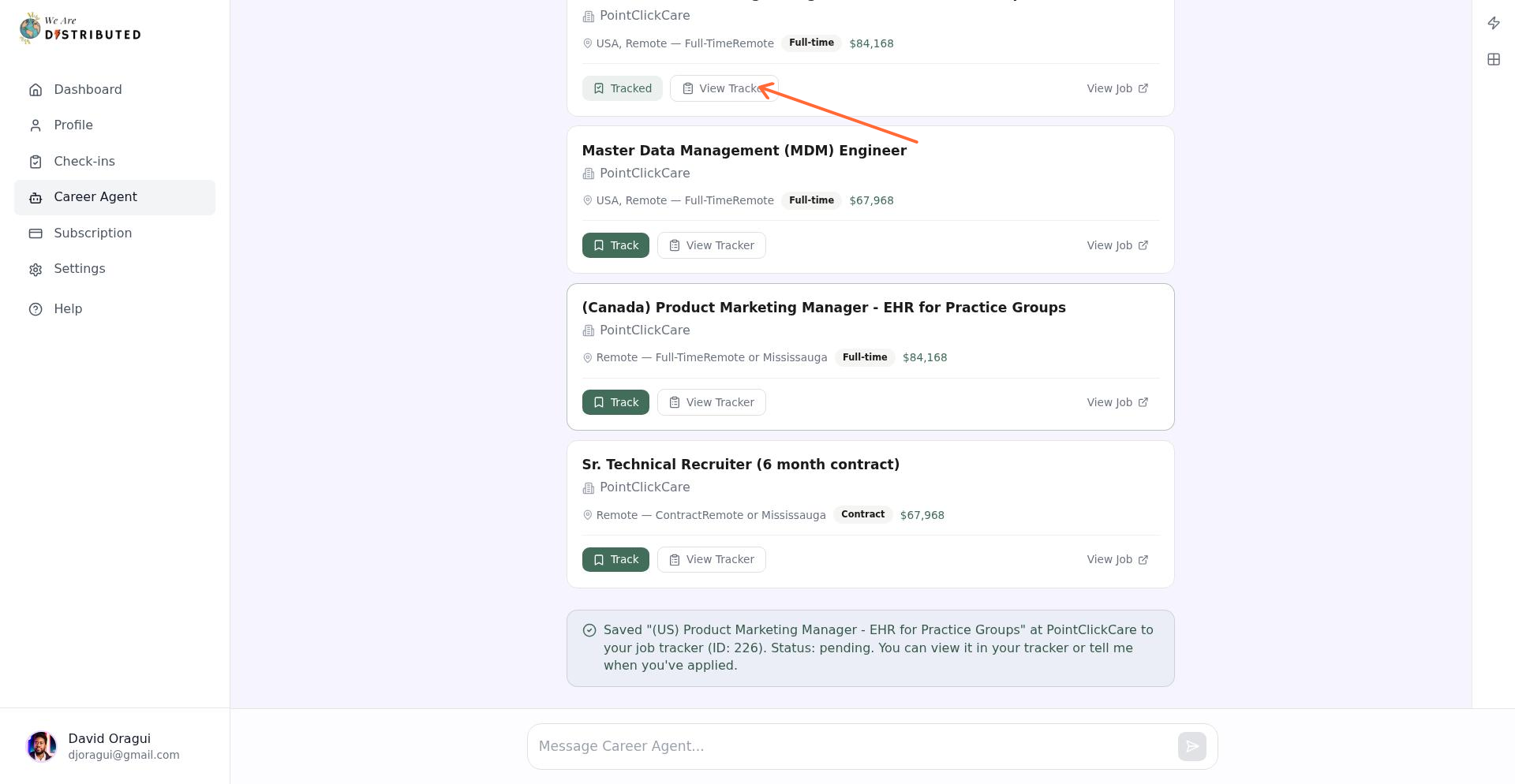
The Job Tracker dashboard shows all saved applications organized by status.
Understand status labels
Each application can be moved into the corresponding status board:
Pending — Newly tracked job; not yet applied
Applied — Marked as applied through the tracker
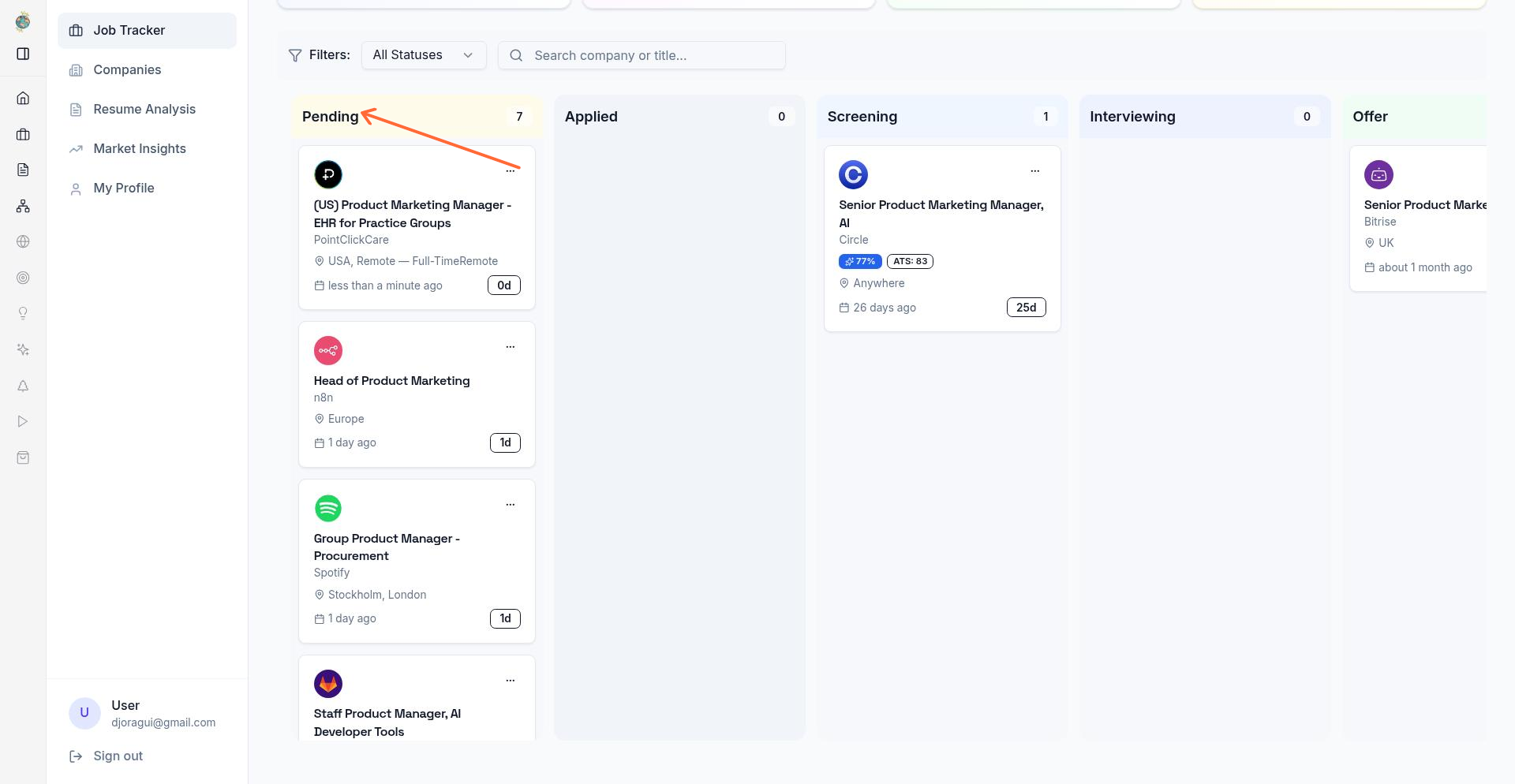
Status updates automatically when you take actions in the Career Agent or the Job Tracker.
Enable agent actions
The Career Agent can perform actions on your behalf when you ask. Enable these by interacting with job cards:
Track — Saves job to your tracker (sets status to pending)
Apply — Marks a tracked job as applied
These actions generate feedback messages in the Career Agent chat, confirming each step. No additional setup required—the agent is ready when you are.
Troubleshoot real-time updates
If tracking fails, the Career Agent shows "Could not save [job] to your tracker" with the error.
Updates not appearing: Refresh the Job Tracker dashboard. The Career Agent chat stream may occasionally drop; starting a new message re-establishes the connection.
Connection errors: Ensure you're logged in and have an active Lite membership. Session timeouts require re-login.
Jobs not syncing: The tracker updates when you click Track or Apply. If a job doesn't appear after 10 seconds, refresh the tracker page.
Upload your resume to the Job Tracker for additional insights. See How to upload your resume to the job tracker.