
Before you begin, sign in to your We Are Distributed account. If you are choosing a new plan, compare options in Guide to subscription tiers and limits.
Open your membership details
- Select Subscription in the dashboard sidebar. The page is titled Membership.
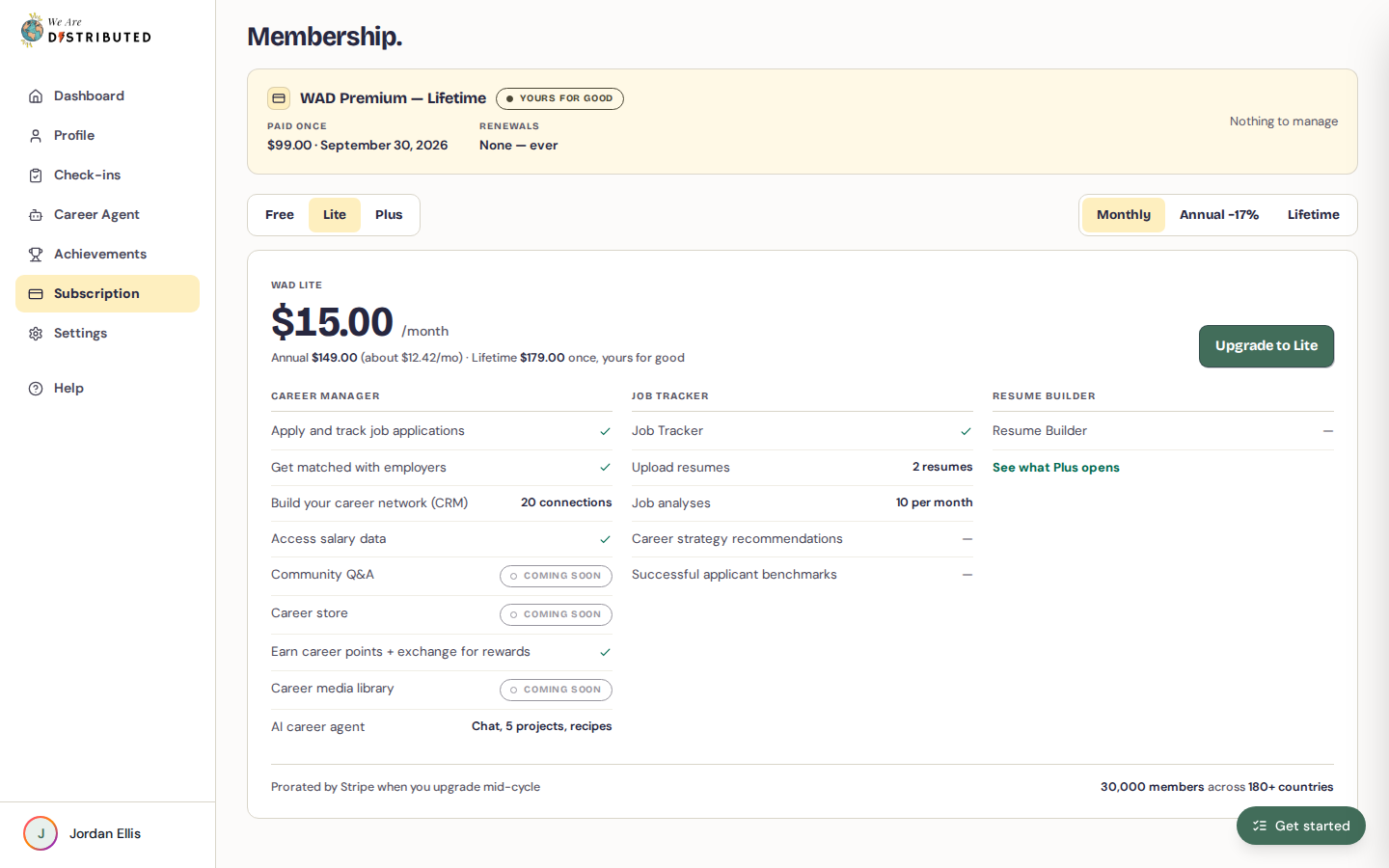
- If you have a paid plan, your membership card shows the plan name and billing interval, a status (Active, Ending, or Yours for good for lifetime memberships), and your key dates, such as when it renews.
Pay for your membership
- Go to Subscription.
- In the plan picker, choose a plan (Lite or Plus) and a billing option, such as Monthly or Annual. In some regions, only annual billing is available.
- Click Subscribe to your chosen plan, or Upgrade to it if you already have an active paid plan.
- You're taken to Stripe's secure checkout. Enter your payment details and complete the payment.
When you upgrade mid-cycle, Stripe prorates the charge.
If you are not sure which plan to choose, review Guide to subscription tiers and limits before you pay.
Verify your subscription is active
After payment, you return to the Membership page, which shows the message "Payment confirmed — your membership is active."
- Confirm your plan name is shown with the Active status.
- Check the Renews date to confirm the payment processed.
If you just paid and your plan has not updated yet, wait 1–2 minutes and refresh the page. New access can take a moment to appear. For more on member-only features, see Understanding Lite membership access gates.
Update your payment details
On your membership card, click Manage billing. This opens Stripe's billing portal, where you can manage your payment details and billing.
Cancel your membership
- On your membership card, click Cancel membership.
- Check the date your access runs to, then click Cancel at period end. Click Keep membership if you change your mind.
Your membership stays active until the end of the period you've paid for. The card then shows Ending with an Access until date. After that date you're back on Free, and your data stays.
To keep your membership after cancelling, click Resubscribe and choose a plan.
Still having issues?
If payment succeeded but your membership still does not appear after refreshing, contact support with your account email, the browser and device you used, any error message, and a screenshot of your Subscription page.