
Read the feed
Open talent.wearedistributed.org and click Career Feed in the sidebar.
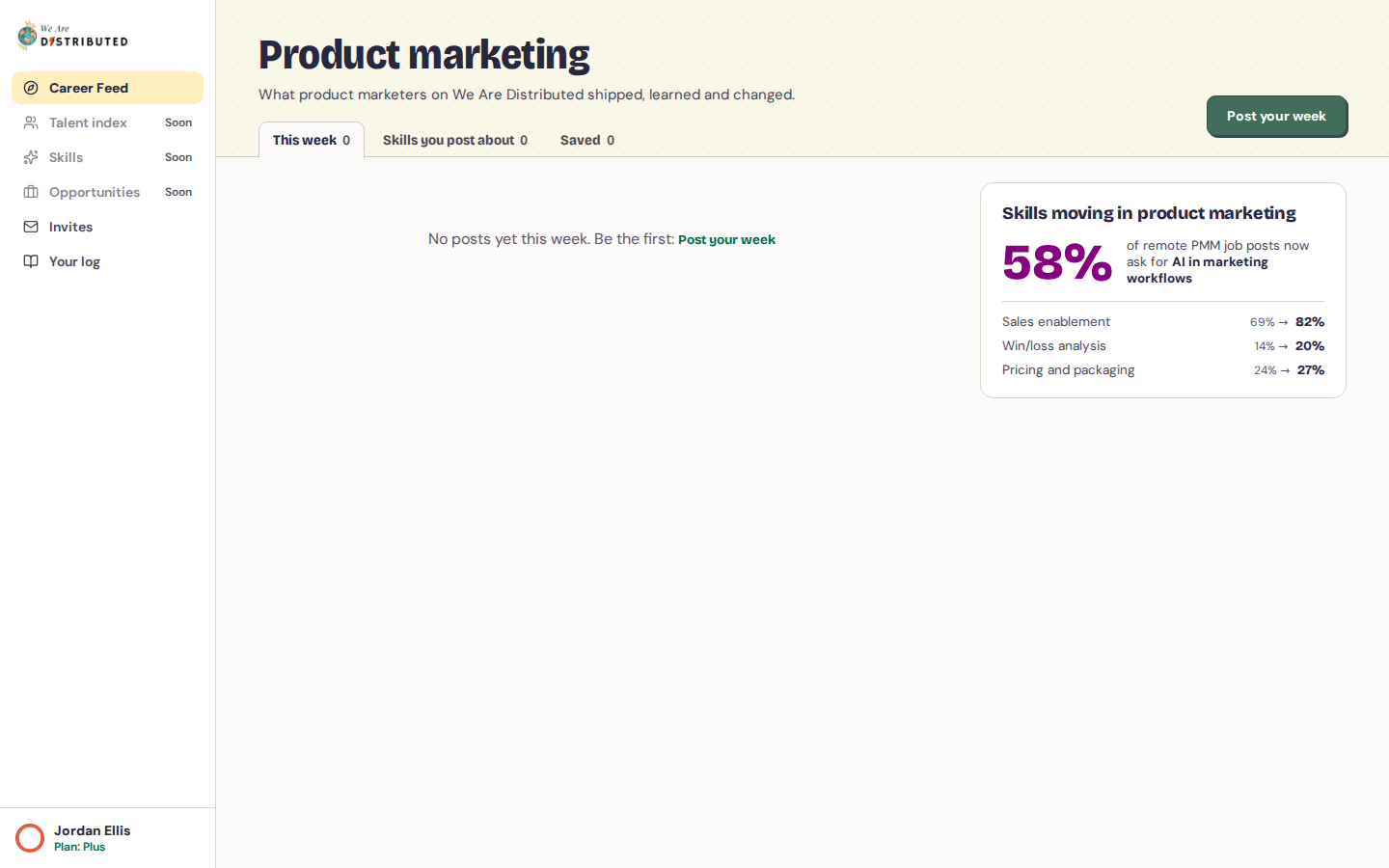
The feed has three tabs:
- This week: every post, newest first, grouped by week.
- Skills you post about: posts that share skills with your own posts.
- Saved: posts you've saved.
On a post:
- Click Useful to tell the author it helped. You can't mark your own posts.
- Click Save to keep it under Saved. If the post has a work sample, you'll see See the work sample or See the PDF instead.
When new posts arrive while you're reading, a button at the top shows how many. Click it to load them. Click Show older posts at the bottom to go back further.
Anonymous posts show the author's role and years of experience instead of their name.
Your log
Click Your log to see everything you've posted, how many times your posts were marked useful, and any invites they brought in. The top of the page shows what hiring teams who aren't ready to hire see about you.
Choose who can see you
On Your log, under Who can see you:
- Let employers reach out: hiring teams can find you under Quietly open. This comes from your employment check-ins; teams never see your rating or notes.
- Anonymous mode: hides your name and photo everywhere. If you've added where you work in your check-ins, it also hides you completely from hiring teams at your current employer. Your posts can still appear on wearedistributed.org, without your name.
- Always hidden from: click Hide from another company, enter the Company name and Company website, then click Save. That company never sees you. Your current employer always shows here once you've added it in your check-ins. Click Remove to take a company off the list.
Under Emails, turn Invites from hiring teams on or off to choose whether we email you when a hiring team invites you to talk.
The sidebar
Talent index, Skills and Opportunities are marked Soon: they aren't available yet. See Answer invites from hiring teams for Invites.